
01
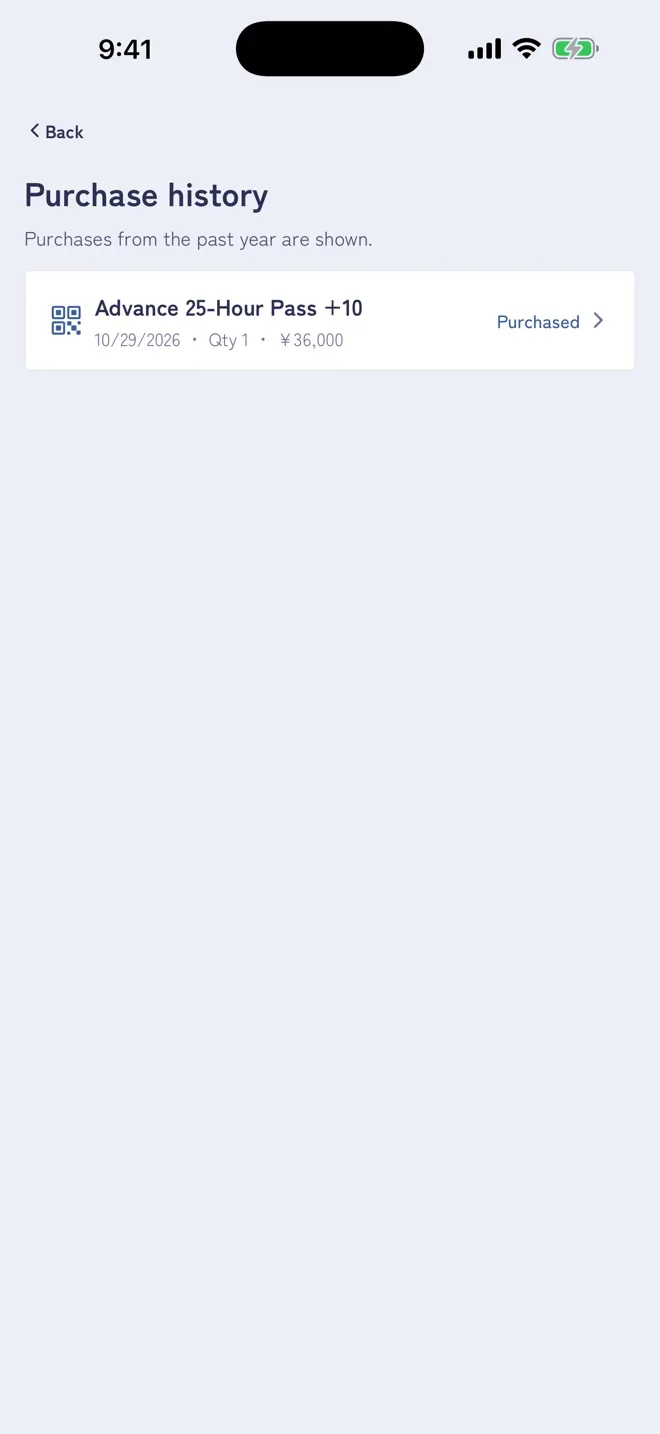
Open the order from your purchase history
Tap “Purchase history” at the top right of the “Tickets” screen and choose the order you need a receipt for.
RECEIPT
Open an order from your purchase history to view or email the receipt issued by the payment service Stripe.
Tap “Purchase history” at the top right of the “Tickets” screen and choose the order you need a receipt for.
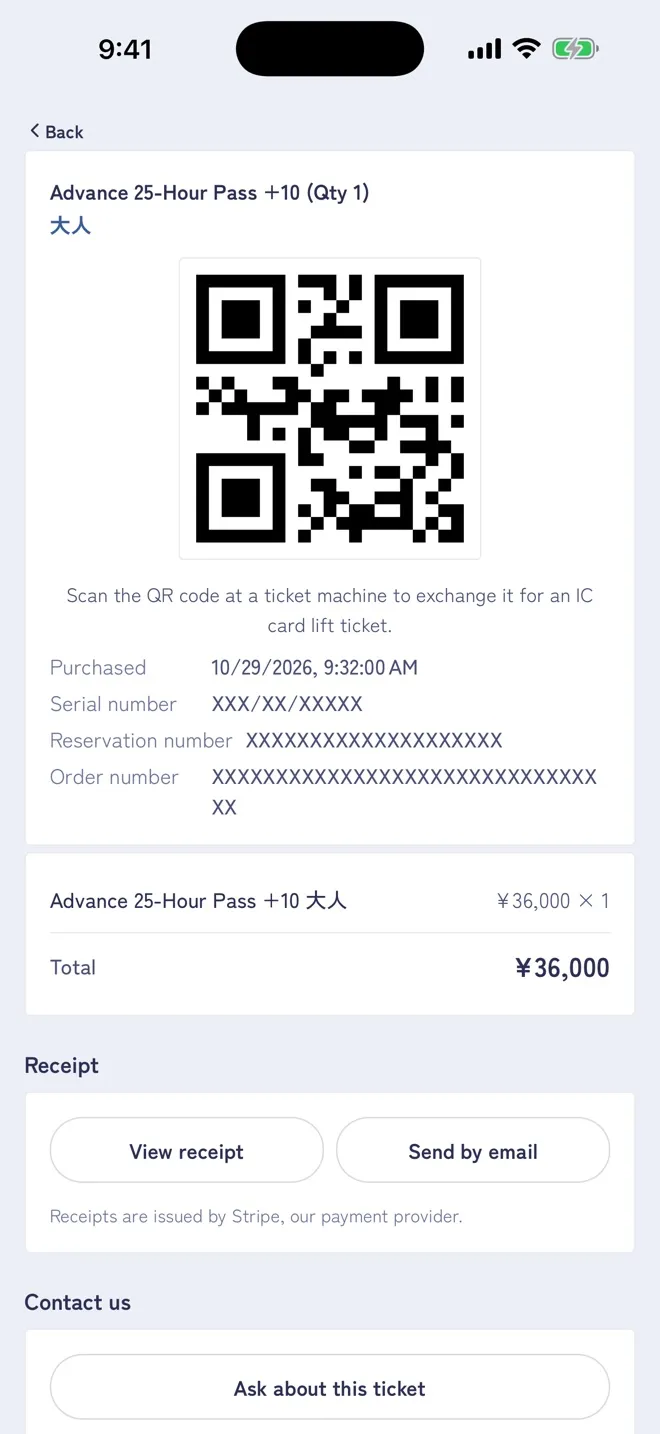
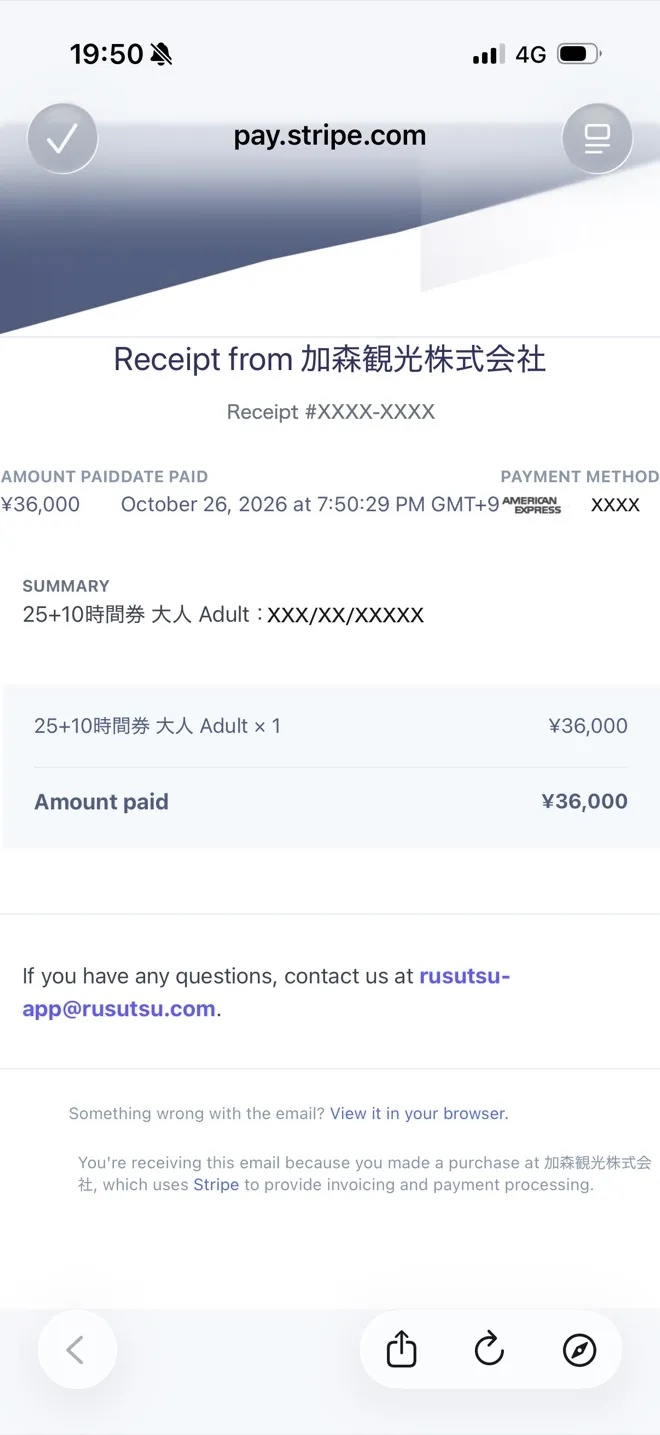
Under “Receipt” at the bottom of the order screen, tap “View receipt” to open the receipt from the payment service Stripe. You can save or print it.
Tap “Send by email” to have the receipt sent to an email address you enter.
The receipt shows the tickets bought, the amount, the date and time of payment and the last 4 digits of the card.
Receipts are issued by the payment service Stripe.