About the app

How to use the app

MY TICKETS

Picking up and using your ticket

Your tickets are under “Tickets” → “My tickets”.

Picking up and using your ticket

01

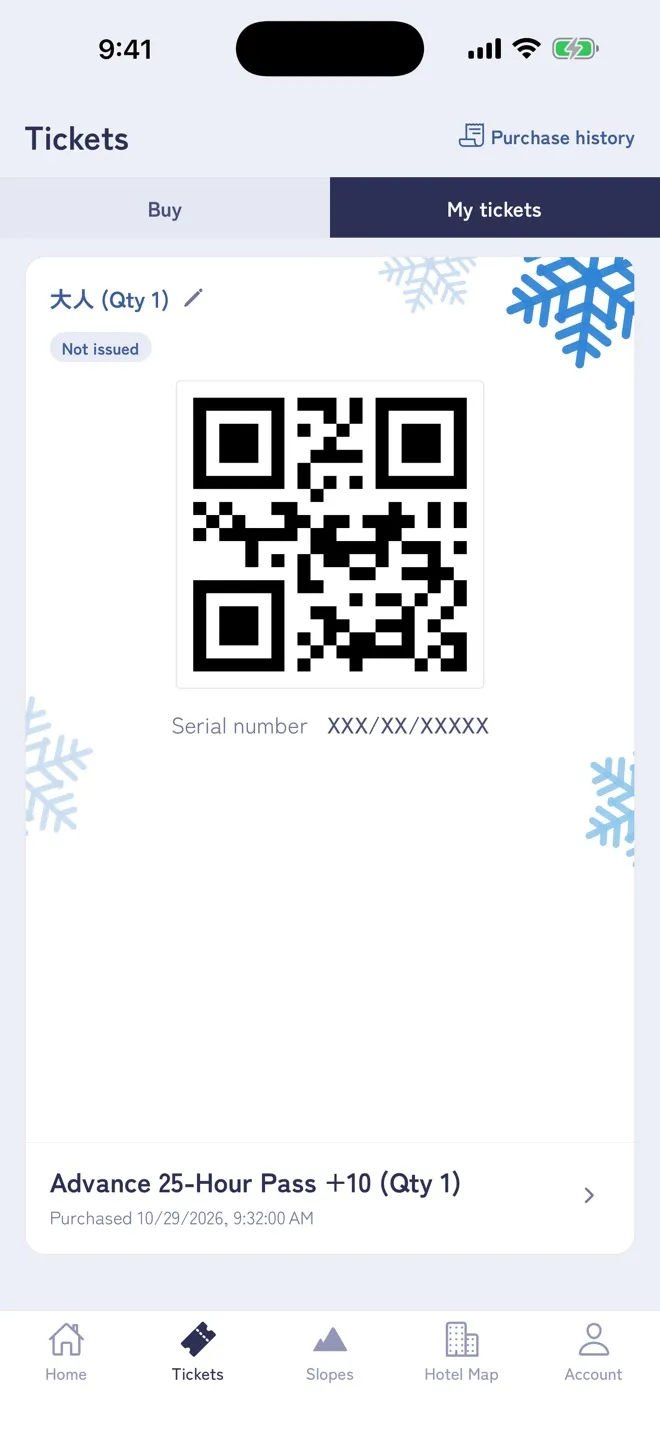
Pick up with the QR code

The QR code for exchange is shown in “My tickets”. Hold it up to the reader on a ticket machine (pick-up box) at the resort, and an IC card lift ticket comes out.

Tickets can be issued about 5 minutes after the payment is complete.

If you bought several tickets, each one has its own QR code — swipe left and right to switch. Different people can pick them up at different times. Once picked up, the ticket shows “Issued”.
02

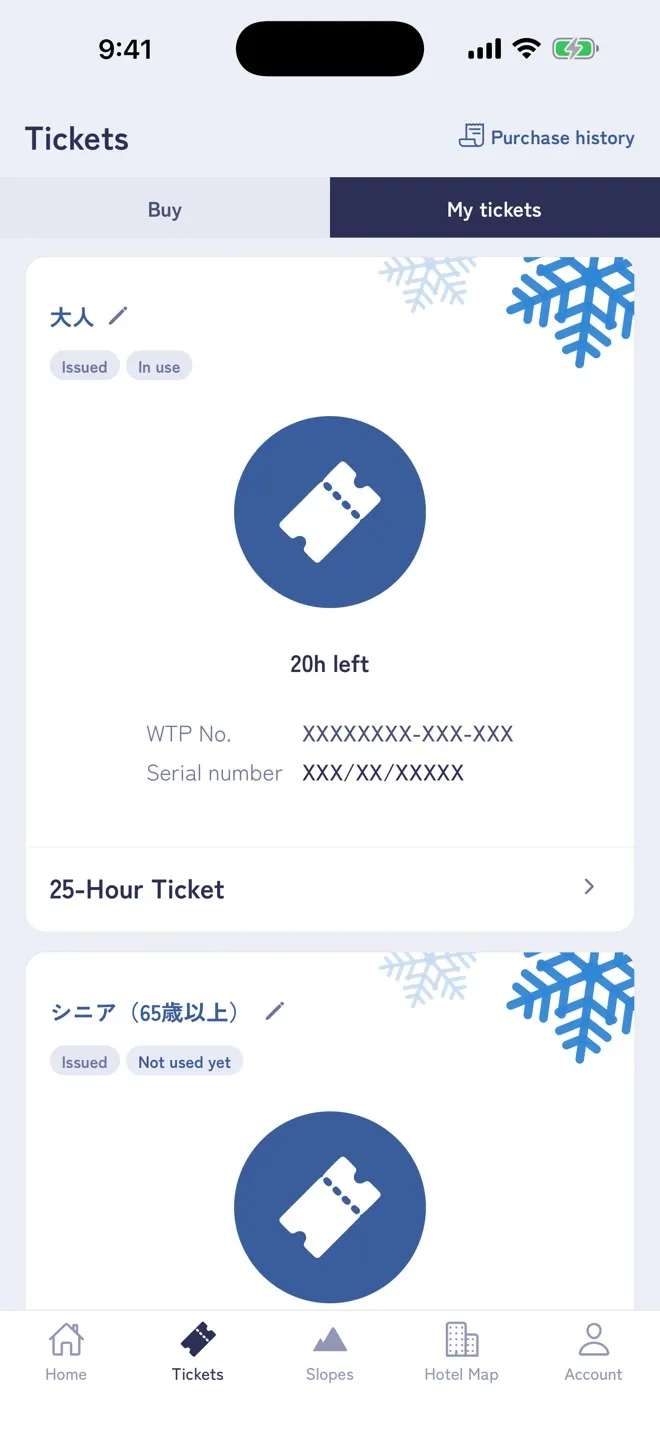
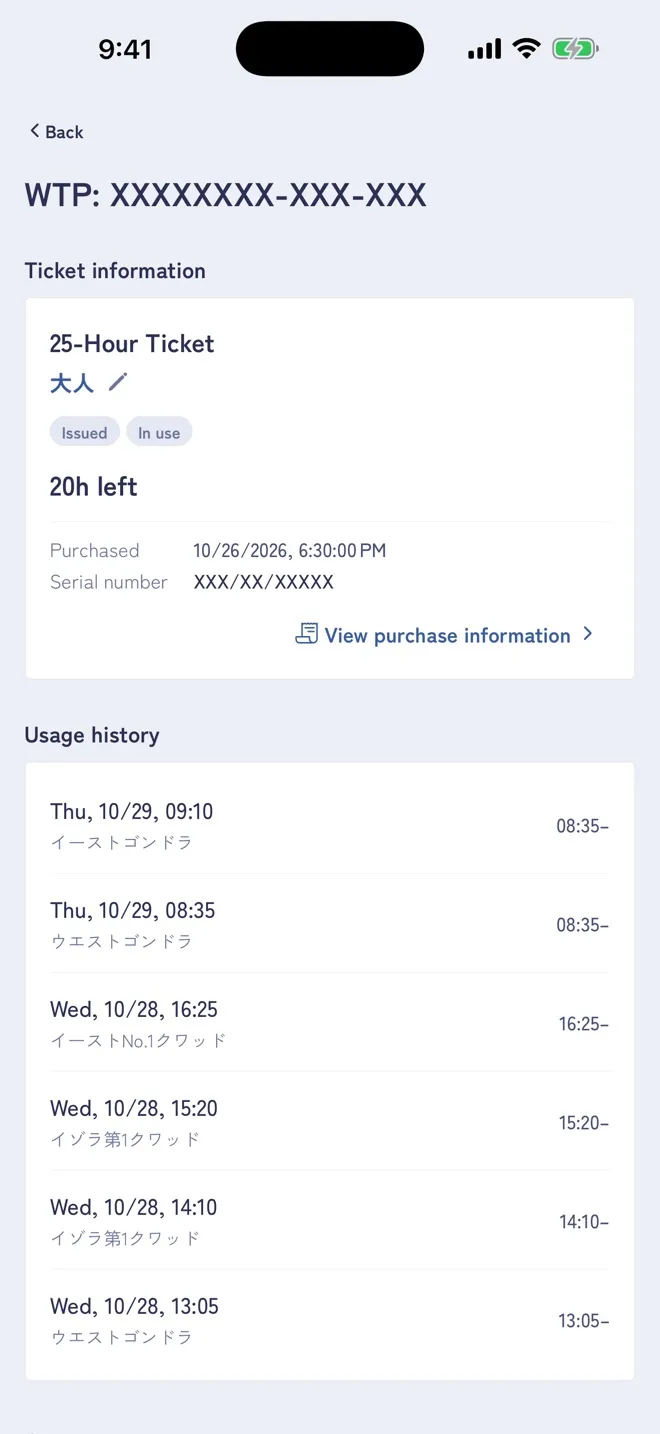
Tickets on an IC card and time remaining

Tickets on an IC card are shown in “My tickets”, one card at a time. A card you overwrote does not need to go through the ticket machine — go straight to the lift gate.

For hour-based tickets, the remaining time is shown once you have passed through a gate (in whole hours). Tap the card to see the gate history.